
We1Win App Download APK for Malaysia Players
The We1Win app puts the same seven products on your phone: slots, live casino, sports, e-sports, fish shooting, poker and 4D. Account, balance, bonuses and bet history are shared with the site, so there is nothing to set up twice. Android users install a file directly from the operator; on iPhone the app arrives as a configuration profile you approve in Settings. Everything on the We1Win official site is in there. Get the app and log in with your usual details.
100% up to RM800 Welcome Bonus
What You Get in the We1Win App
The app is the full platform, not a cut down version. All seven products are there: slots, live casino, sports, e-sports, fish shooting, poker and 4D lottery. The cashier sits on the left panel, so deposits and withdrawals run through Touch n Go, DuitNow, Boost, GrabPay, ShopeePay and USDT exactly as they do in a browser. Promotion, the VIP section, the Reward Center and the 24/7 live chat are one tap away. There is no separate mobile bonus: every offer, rebate and rescue fund applies to both. Browse the lobby on the We1Win casino page if you want to see what is inside first.
We1Win App Download for Android
Android takes the file route, and the whole thing runs from the APP section of the site. Download the file only through the link on this page: an APK pulled from a forum or a messenger group is the classic way to lose an account.
Select Download Now
Open the APP Download page, scan the Android code or switch to the Android tab, and tap Download Now.
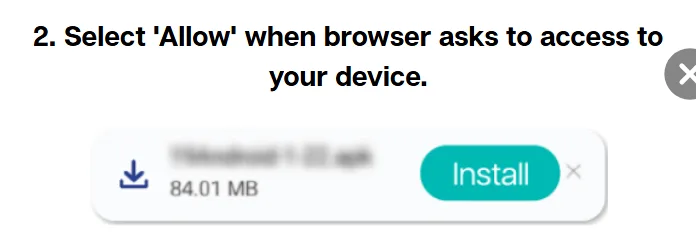
Allow device access
The browser asks permission to reach your device. Tap Allow, or the file never starts downloading.
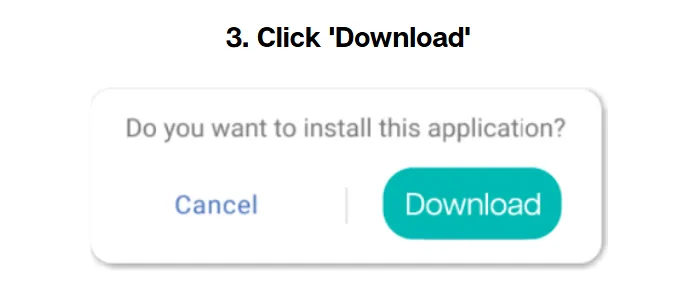
Confirm the download
Confirm Download and wait for the APK to finish. It lands in the Downloads folder of your phone.
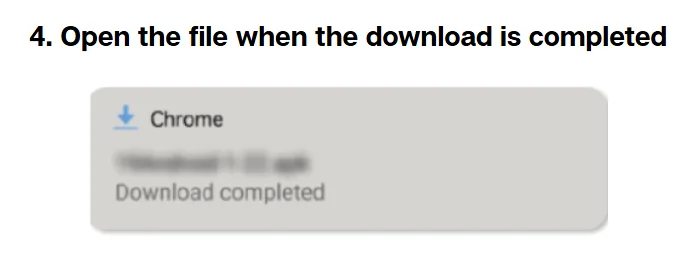
Open the file
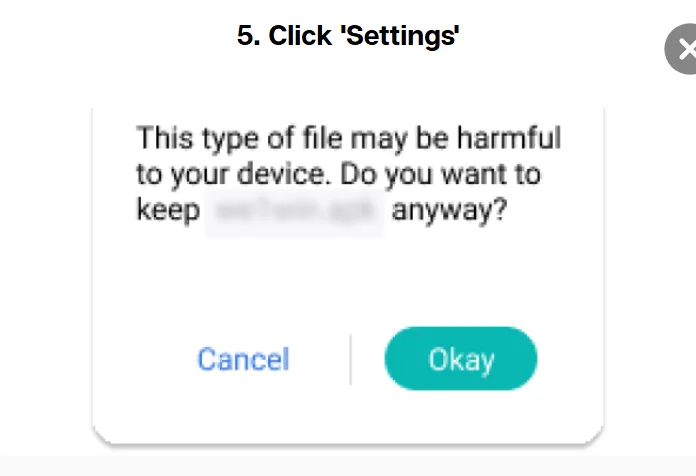
Tap the file once the download completes. Android stops the install and offers you Settings.
Open Settings
Choose Settings from that prompt, which takes you straight to the permission for this source.
Allow the install
Allow the device to install from this source, confirm, then open the app and sign in with your existing details.
How to Install We1Win on iPhone and iPad
There is no We1Win APK iOS build, and a search for one leads nowhere: Apple installs the app through a configuration profile, which is why the steps run through Settings rather than a store. Open the page in Safari before you start, because other browsers cannot finish the process.
Select Download Now
Scan the IOS code or open the Apple tab of the installation guide, then tap Download Now.
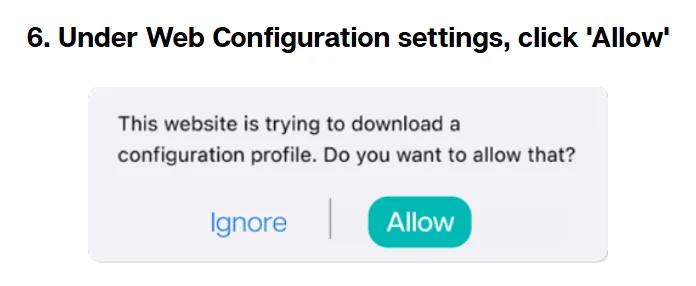
Allow the profile
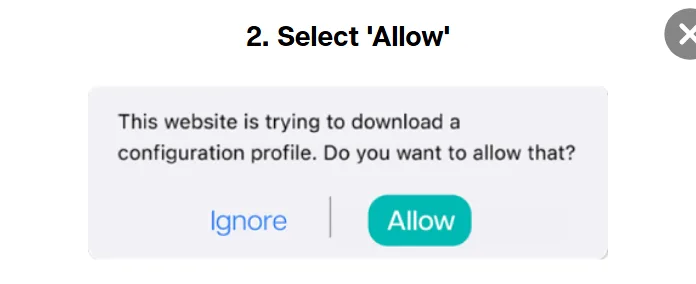
Safari asks whether to download a configuration profile. Tap Allow.
Close and open Settings
Tap Close, then open Settings. The downloaded profile is waiting near the top of the list.
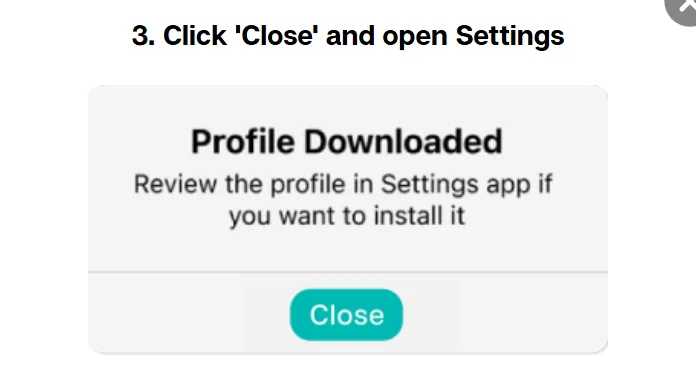
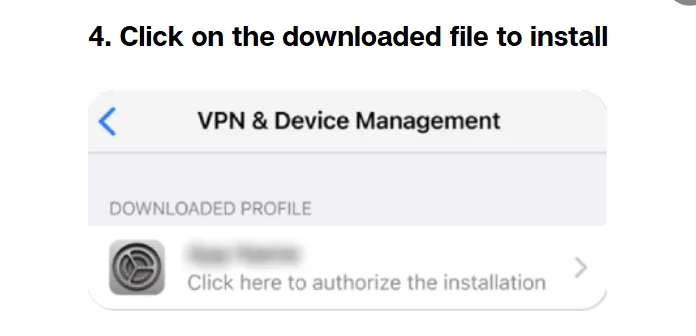
Tap the downloaded file
Open the profile entry to start the installation.
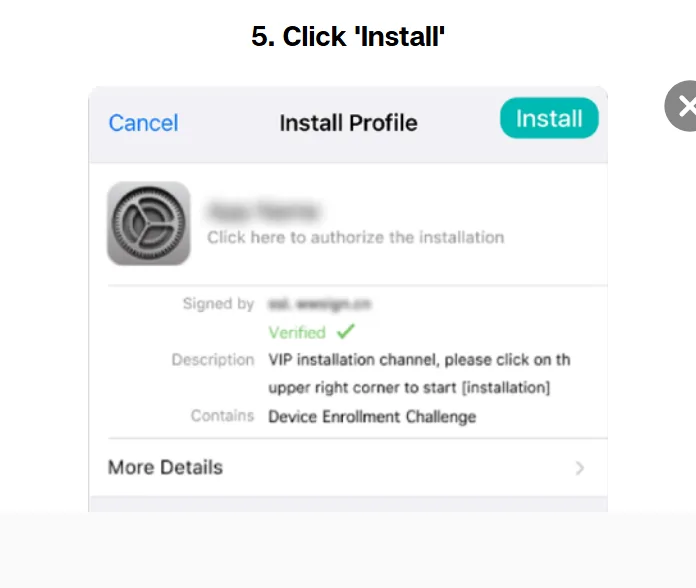
Tap Install
Confirm with Install, and enter your passcode if the phone asks for it.
Allow Web Configuration
Approve the Web Configuration screen with Allow.
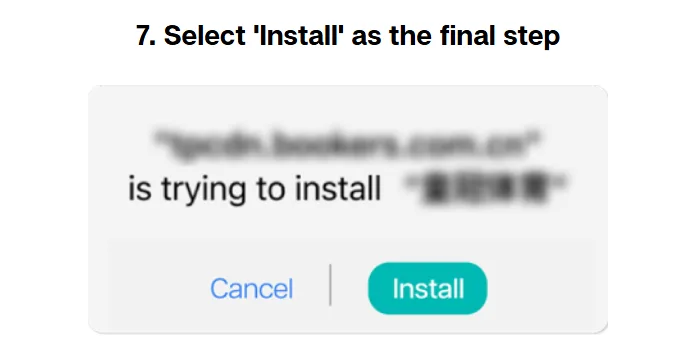
Install to finish
Select Install one last time and the icon appears on your home screen. Sign in with your existing details.
We1Win APK Latest Version and Device Requirements
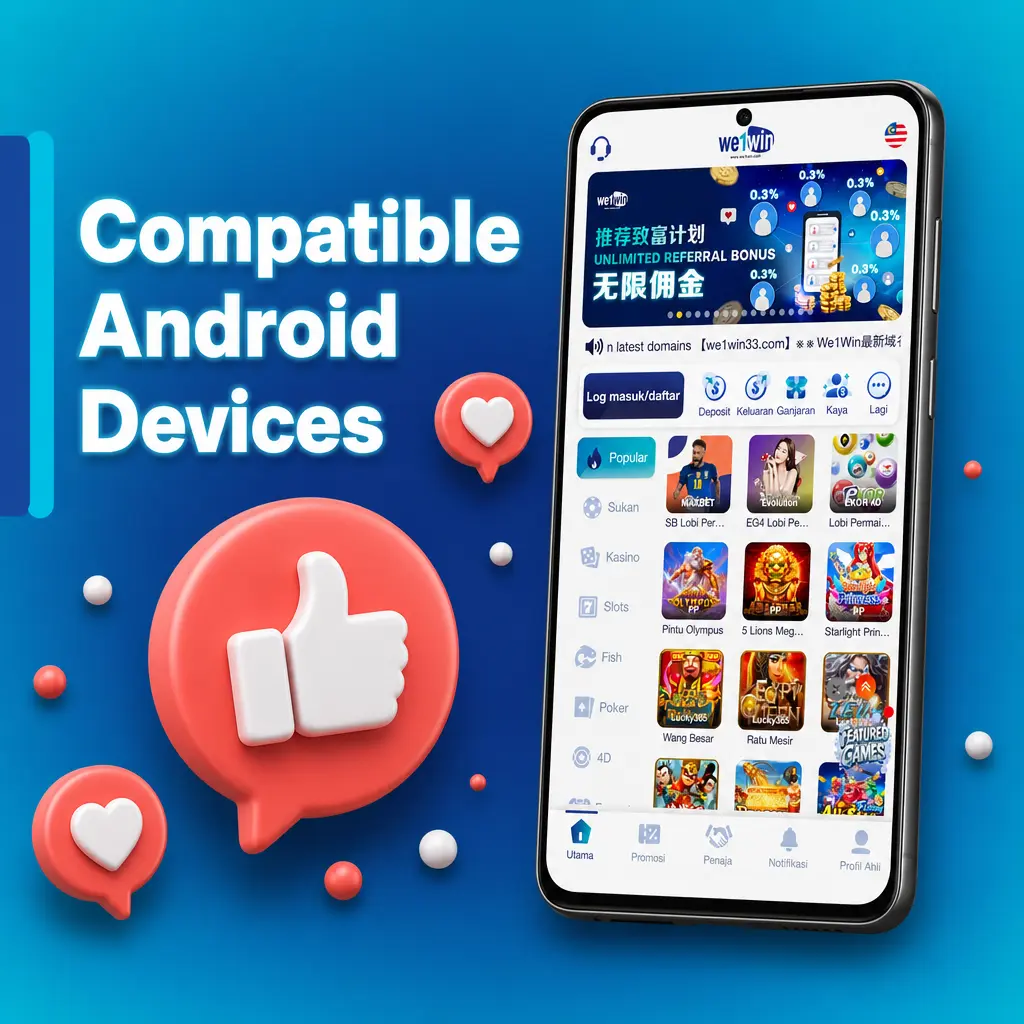
Nothing exotic is needed: a current version of Android or iOS, a few free megabytes and a connection that holds while the file downloads. Keep the download and the first login on the same network, because switching between Wi-Fi and mobile data mid-install is the most common reason an install fails. When a new build is out, the app offers the update at launch and installs over the old one, so your account, balance and bonuses stay where they are. Delete the previous build before reinstalling from scratch.
Bonuses You Can Claim from Your Phone
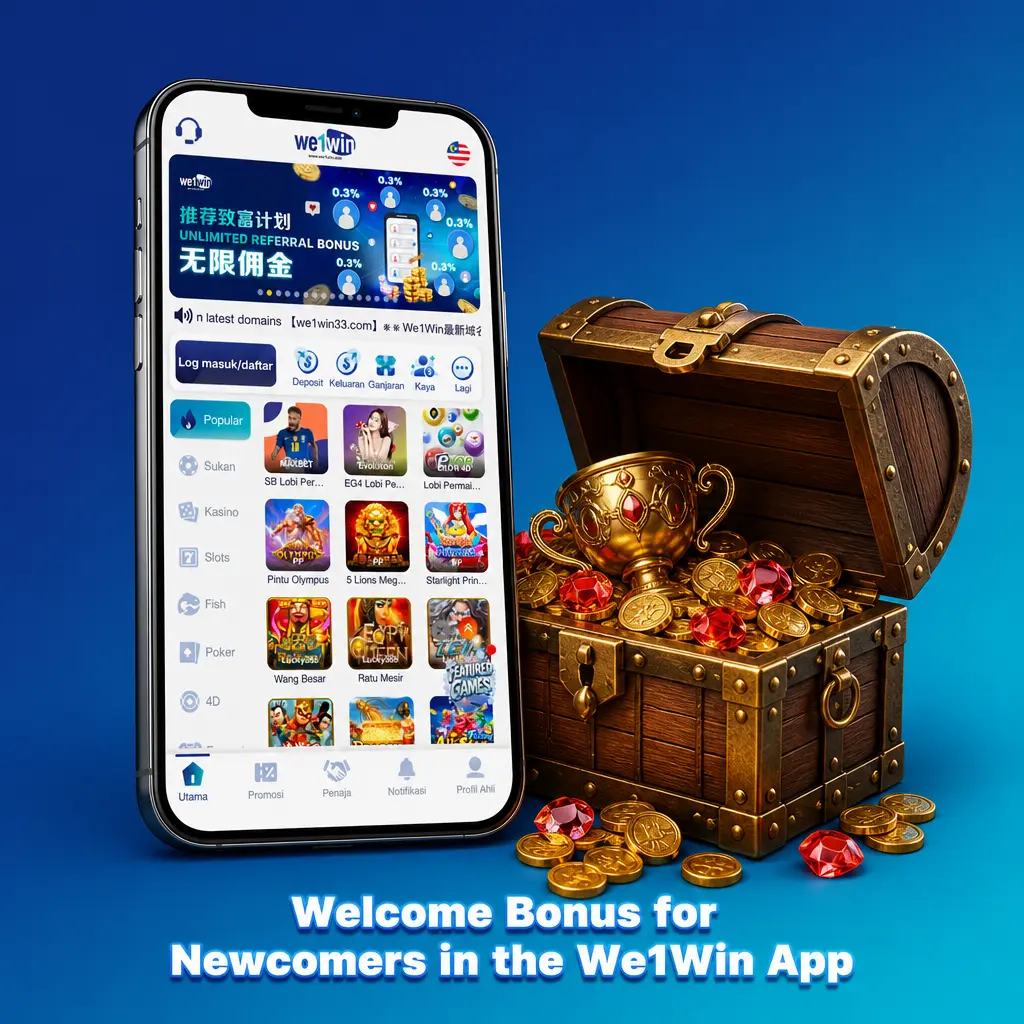
Every offer on the site is available in the app under the same conditions. The welcome bonus is 100% up to RM800 on slots, sports and e-sports, and 50% up to RM300 on live casino, poker and fish shooting. On top of that a rebate lands daily on every product, rescue funds return part of a losing day with a x1 turnover, and Daily Check-In and Daily Red Packets are quicker to collect on a phone, because the Reward Center sits on the left panel. Turnover requirements do not change between mobile and desktop. Full conditions are on the bonuses and promotions page.
Installation Problems and How to Fix Them
Most failed installs come down to four things.
- The file will not open: the download broke off, so delete it and pull it again from the APP section.
- Android blocks the install: permission for this source is off, and Settings will offer it the moment you tap the file.
- Not enough storage: clear a little space and retry, the install needs room to unpack.
- The app will not start after an update: remove it and install the current build again, because your account lives on the server, not on the phone.
If none of that helps, customer service answers in live chat around the clock.
Frequently Asked Questions
Is the We1Win app free to download?
Yes, you get the We1Win download free of charge on both platforms, and there is nothing to subscribe to inside. The only cost is mobile data while the file downloads, so Wi-Fi is the cheaper option.
Do I need a new account for the mobile app?
No. One account covers both. Sign in with the username and password from the site, and your balance, active bonuses and bet history are already there when the app opens.
Why does my phone warn me about installing an APK file?
Android shows that notice for anything installed outside Google Play, whatever the file is. Allow the source when Settings offers it, and only ever use the download link on this page.
Can I deposit and withdraw inside the app?
Yes. Deposit and Withdrawal sit on the left panel and use the same wallets as the site: Touch n Go, DuitNow, Boost, GrabPay, ShopeePay and USDT. Payouts go to the details linked to your account.
What should I do if the app does not open after an update?
Delete it and install the current build again from the APP section. Nothing is stored locally, so the account, the balance and any active bonus come back with your first login.
Can I play without installing anything?
Yes. The site works in a mobile browser with no install at all. The app mainly saves you the login screen and keeps the cashier, promotions and live chat one tap away.
Start Playing on Mobile
Install it once and the phone becomes the whole platform: seven products, one balance, the cashier and live chat in the same place. New players register an account in a couple of minutes, and everyone else goes straight to We1Win login.
Updated: